Cookt Get the app

Recipe saver for iPhone and Apple Watch

Save the recipe. Skip the story.

Share any recipe video or page to Cookt in two taps. Get just the ingredients and steps, then plan the week, shop in one go and cook one step at a time.

Download on theApp Store

Free to download. Android is coming soon.

  1. Tap Share
  2. Tap Cookt
  3. Recipe saved
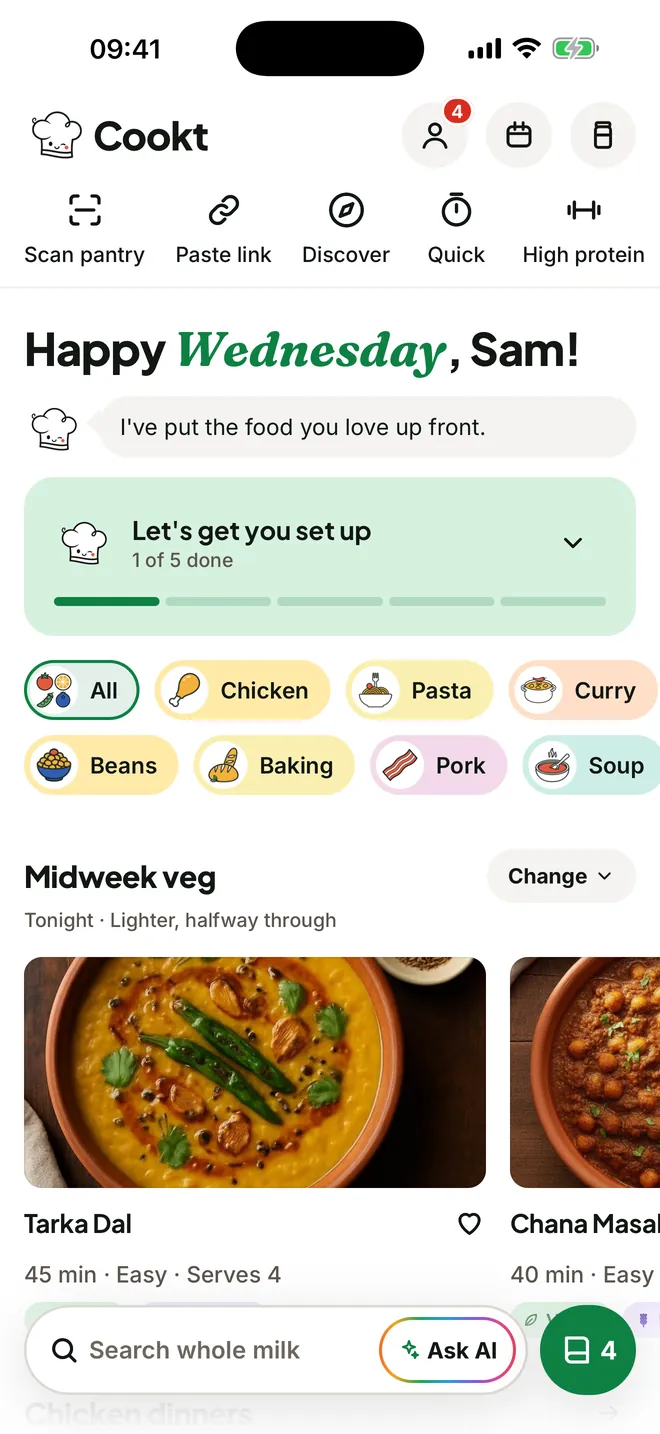
The Cookt Home screen with tonight's dinner, recipe shelves and a search bar
  • 2 tapsto save a recipe from the share sheet
  • 70+recipes in the box, from breakfast to baking
  • Freeto download, on iPhone and Apple Watch
Save

Saw it? Saved.

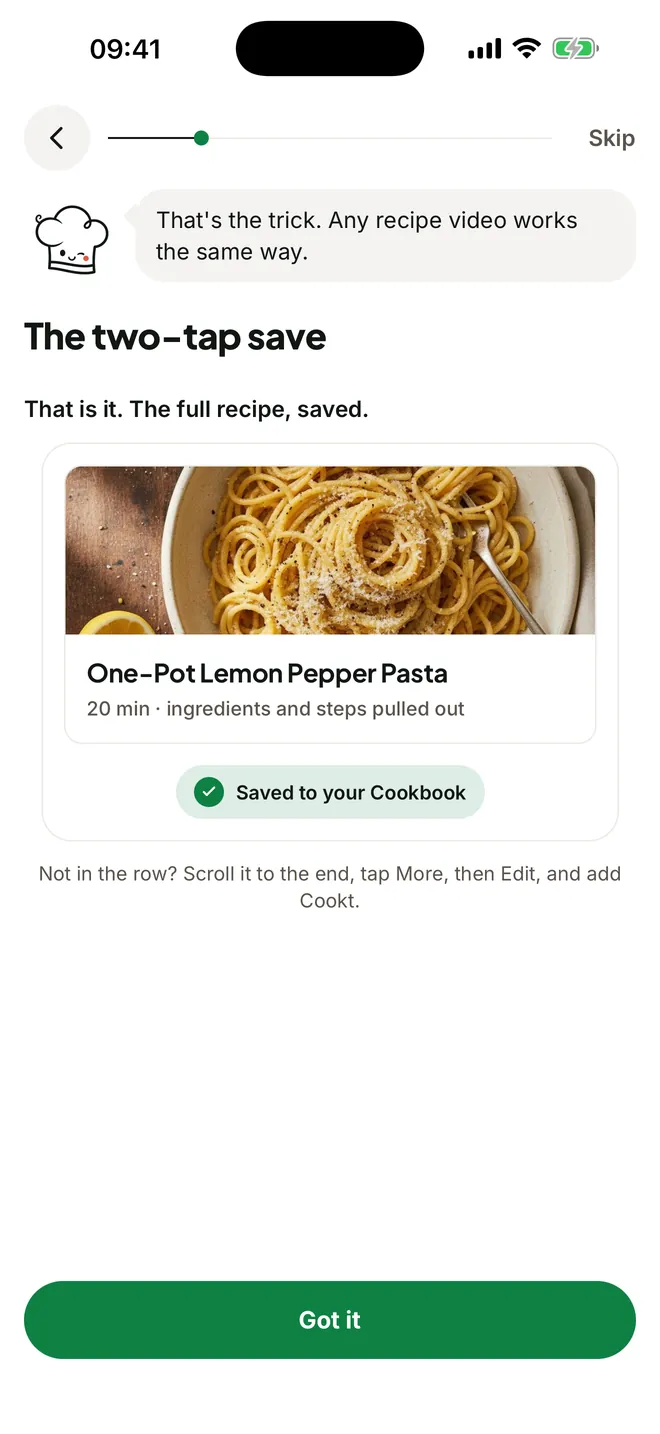
Found a recipe in a video or on a page, from any app? Tap Share, then tap Cookt. A moment later it is in your cookbook as ingredients and steps, with the long story left behind.

  • Videos and recipe pages from any app
  • Or paste a link, scan a cookbook page, or type a family recipe in
A shared recipe saved into the Cookt cookbook
Ask

An AI chef that knows your fridge

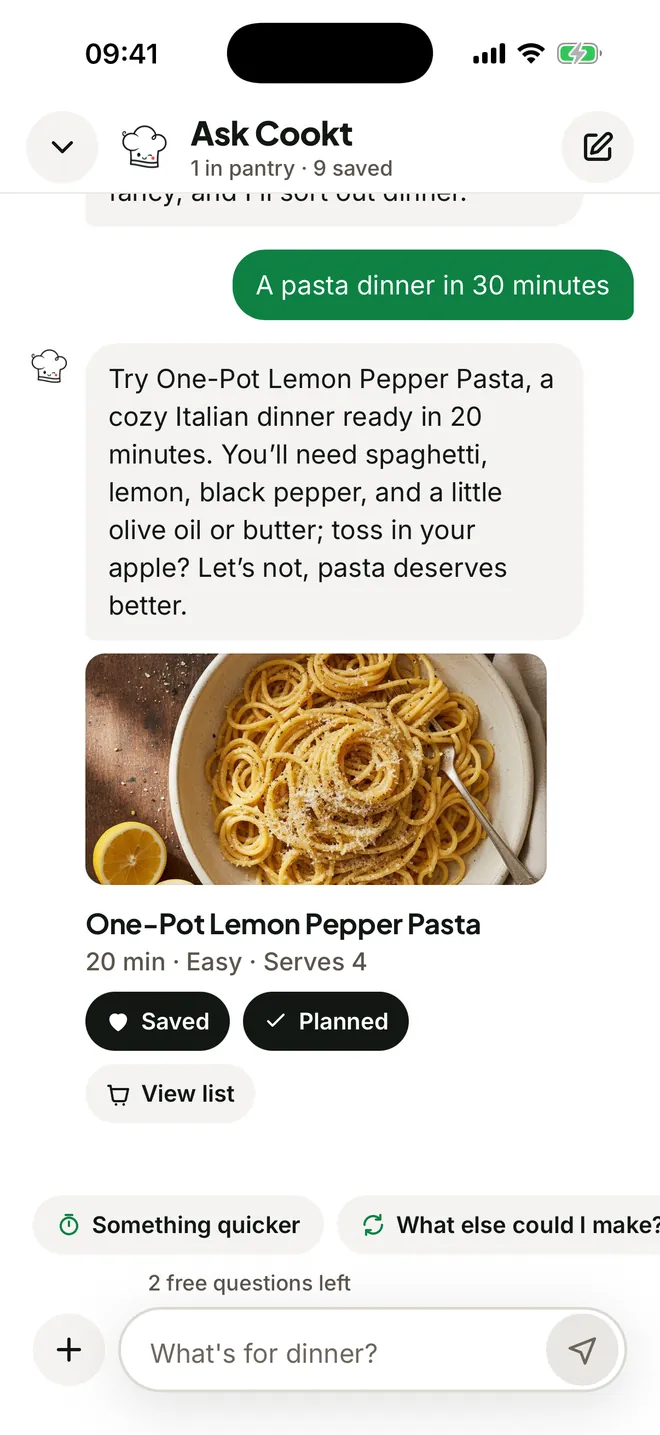
Tell Cookt what you have, how long you've got, or that you want something cosy. It answers with real recipes and works around your diet and allergies.

  • Substitutions and timing help while you cook
  • Five free questions to try

Recipes are AI generated. If you have an allergy, always check the ingredients yourself.

Ask Cookt suggesting a pasta dinner
Cook

One step at a time

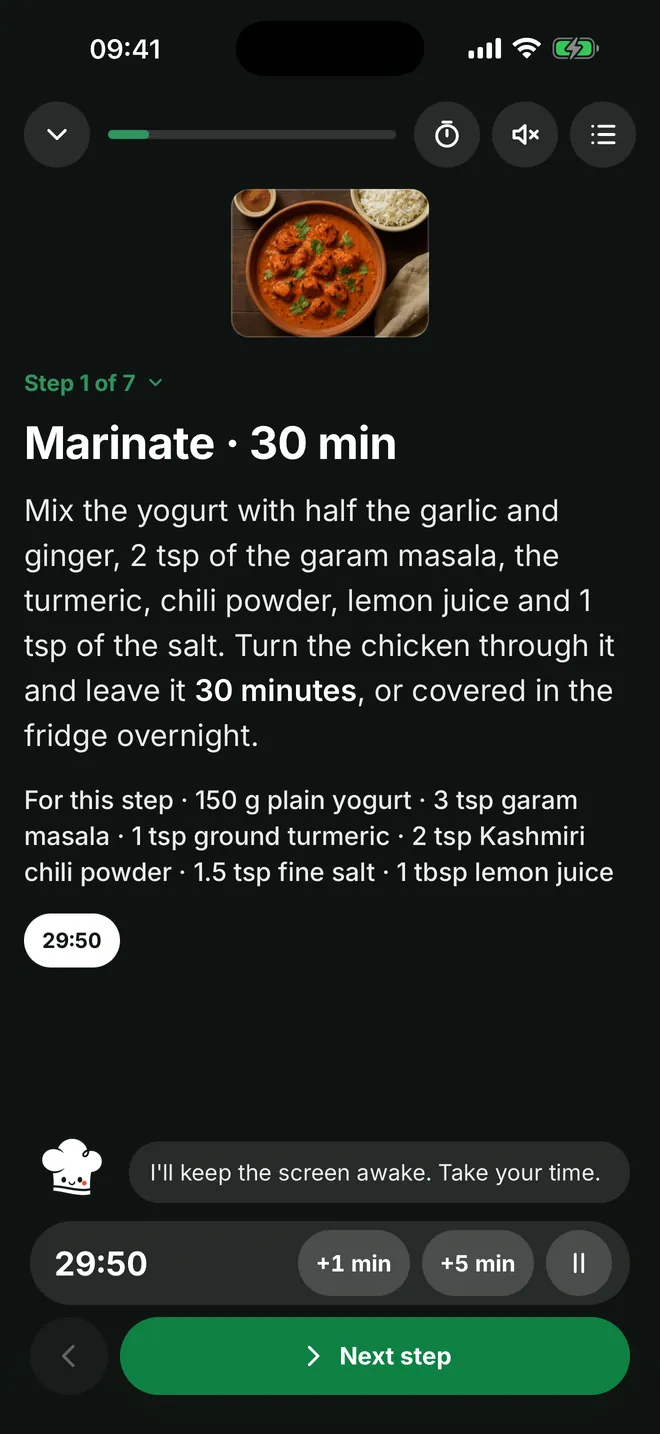
Big type, one step on screen, and the timer sits right in the step that needs it. Your screen stays awake while your hands are busy.

  • Timers built into the steps, with an alert
  • On your Lock Screen and Apple Watch too
Cook mode with one step and a running timer
Plan

Put dinner on a calendar

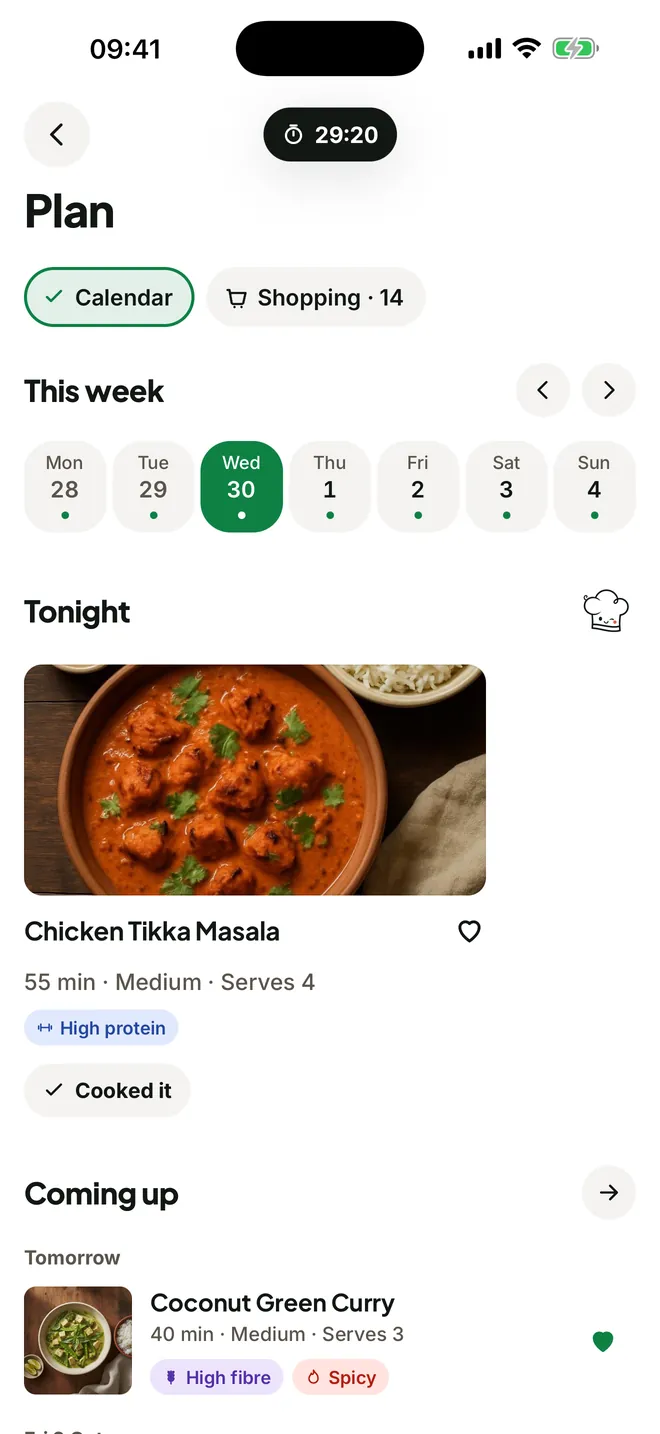
Drop saved recipes onto the nights you'll cook them. Tonight sits at the top, and what you actually cooked stays logged behind it.

  • Plan any night in a couple of taps
  • Free, with no limit on meals
The week's meal plan with tonight's dinner
Shop

The list writes itself

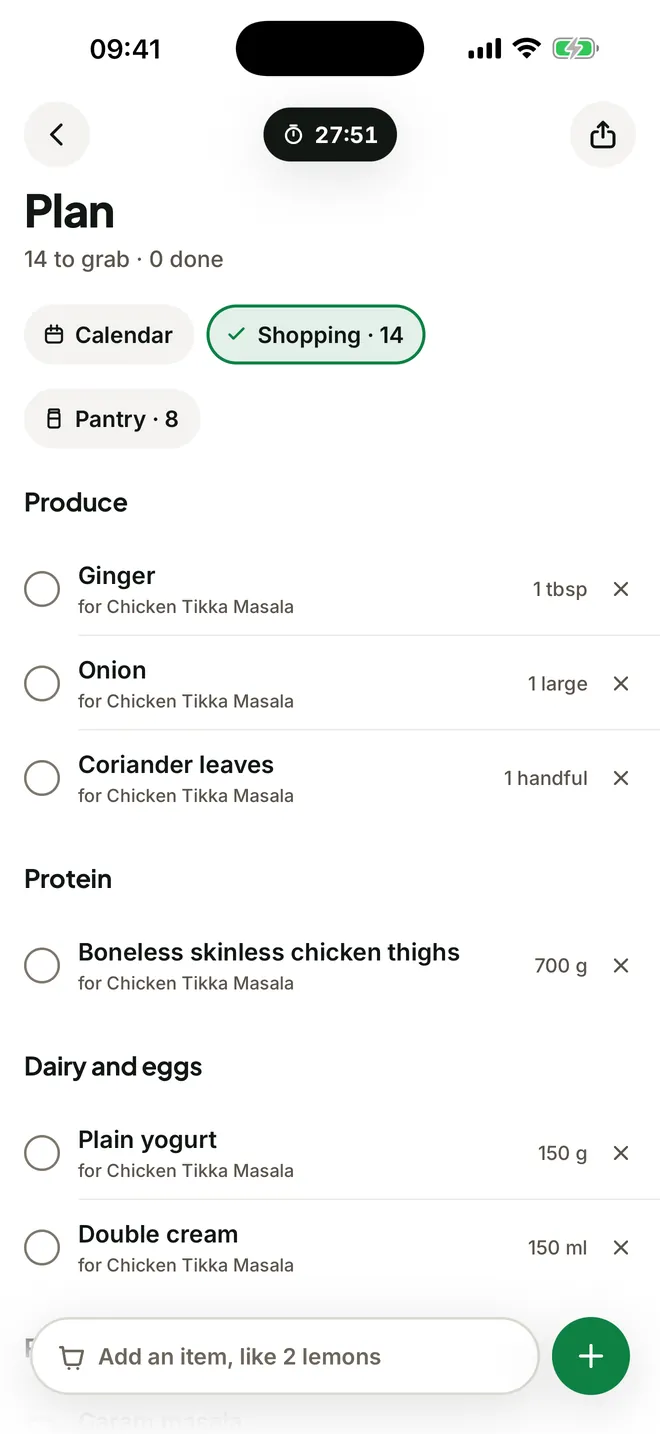
Plan the week and Cookt builds the list from your recipes. Amounts are combined, grouped by aisle, and anything already in your pantry is skipped.

  • Every line says which dinner it's for
  • Snap your shelves to fill your pantry
A shopping list grouped by aisle
The AI chef

Ask it, show it, hand it a page

  • Ask

    What can I make with what's in the fridge?

  • Snap a dish

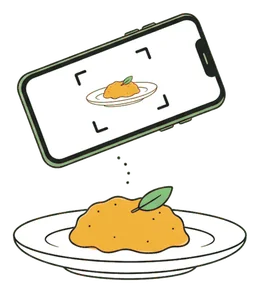
    Photograph a plate and get a recipe for it.

  • Paste a link

    Any recipe page or video, written down for you.

  • Scan a page

    Cookbook pages and recipe cards, copied as written.

  • Scan the pantry

    Snap your shelves so the list skips what you own.

Beyond the app

On your Home Screen, Lock Screen and wrist

Home Screen

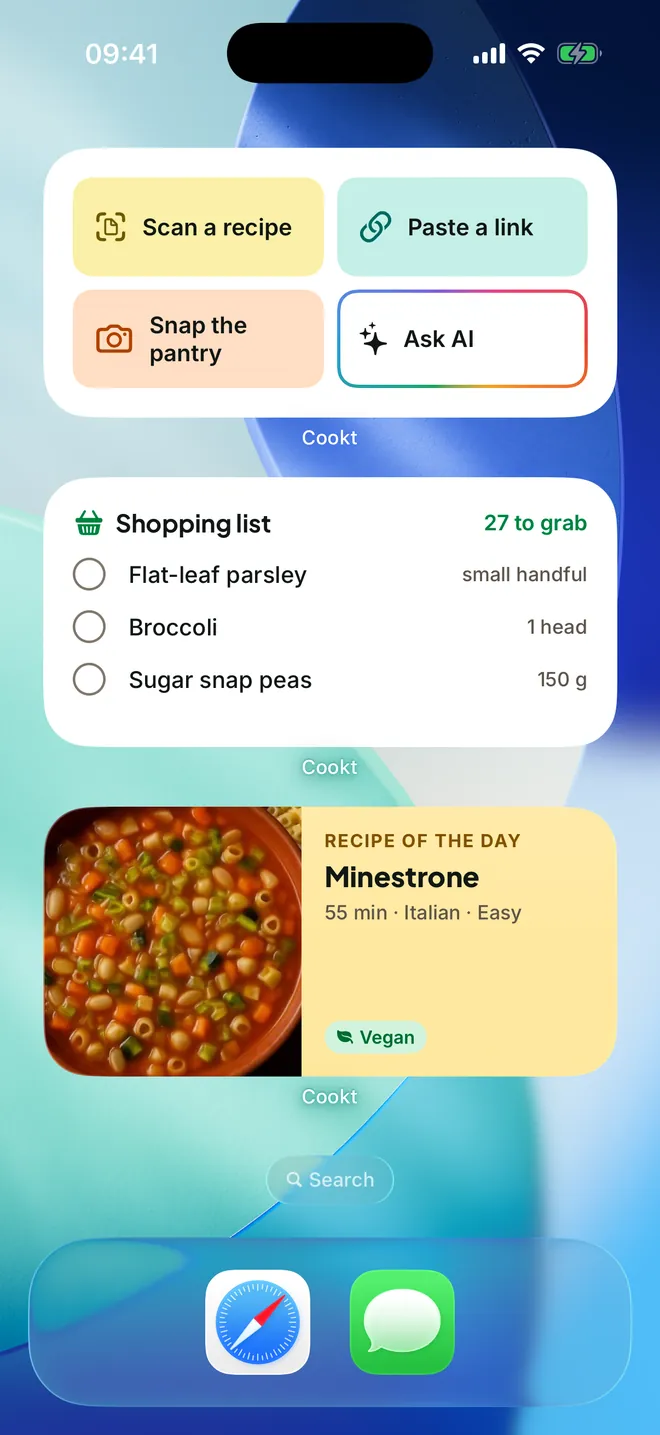
Widgets for tonight's dinner, the recipe of the day and your shopping list. Tick things off without opening the app.

Cookt widgets on the iPhone Home Screen

Lock Screen and Dynamic Island

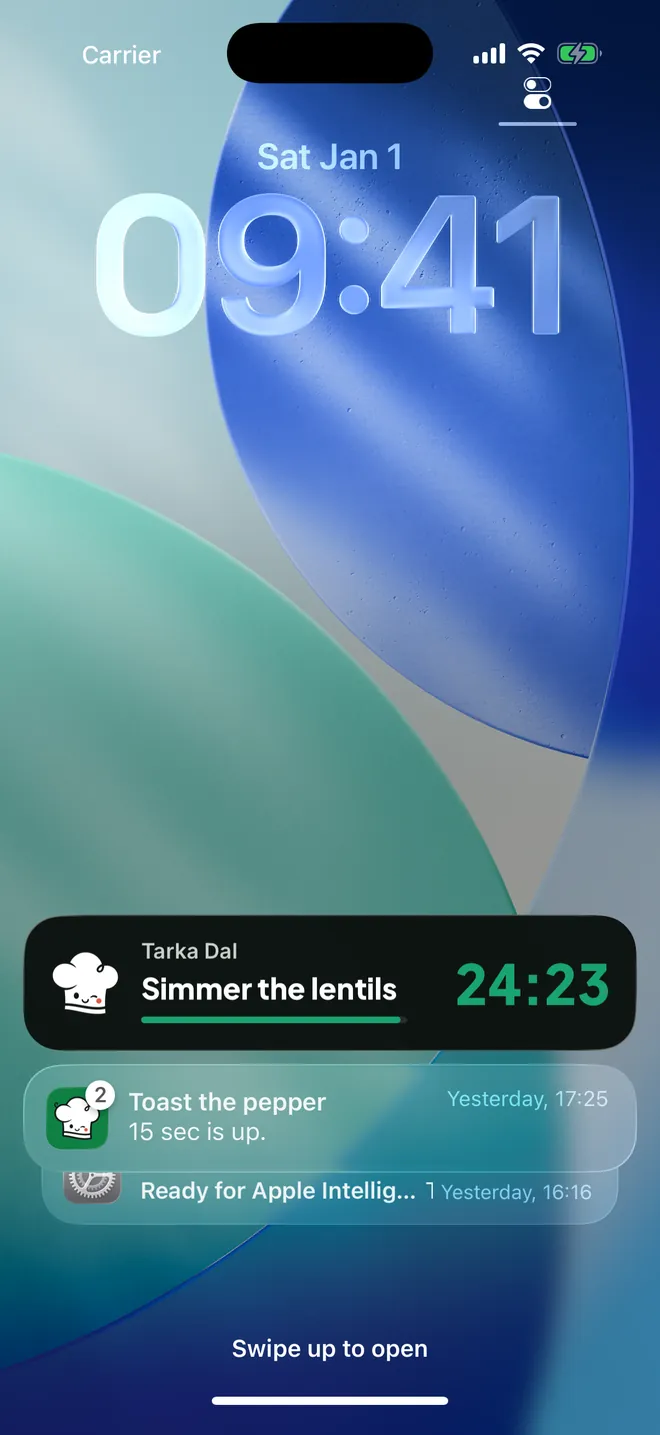
Start a timer and it stays on your Lock Screen and in the Dynamic Island, so you can leave the phone and keep cooking.

A cooking timer on the iPhone Lock Screen

Dinner.
Right here.

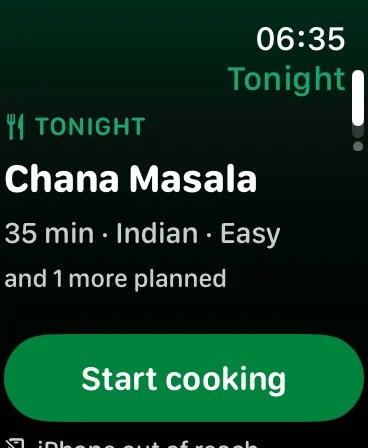
Tonight's dinner, your shopping list and your running timers. Cookt on Apple Watch keeps them close while your hands are busy.

Free to cook with. Pro when you want more.

Free

Everything to get cooking

  • Your cookbook, books, meal plan and shopping list
  • 70+ recipes and Discover
  • Five recipe imports a week
  • Five questions for the AI chef
  • Widgets, timers and the Apple Watch app
Cookt Pro

More of the good stuff

  • More recipe imports and AI chef questions
  • Snap a dish and get a recipe for it
  • Adjust any recipe with AI
  • One-week free trial for new subscribers
Billed by Apple on iPhone. Your price is shown in the app before you subscribe, and you can cancel any time in your Apple account settings.

Quick questions

Is Cookt free?

Yes. Cookt is free to download, with your cookbook, meal plan, shopping list, widgets and Apple Watch app included. The free plan has five recipe imports a week and five AI chef questions. Cookt Pro unlocks more.

Which apps can I save recipes from?

Videos and recipe pages from any app with a Share button. Tap Share, choose Cookt, and it is saved. You can also paste a link, scan a cookbook page or type a recipe in.

Is there an Android app?

Android is coming soon. Cookt is on iPhone and Apple Watch today.

Does Cookt respect my diet and allergies?

Tell Cookt once. Your diet and allergies shape what it suggests and go with every AI question. Recipes are AI generated, so if you have an allergy, always check the ingredients yourself.

How do I delete my account?

In the app, go to Profile and tap Delete account. The steps, and what is deleted, are on the delete account page.

Save it. Plan it. Cook it.

Download on theApp Store

Free on iPhone and Apple Watch. Android is coming soon.